
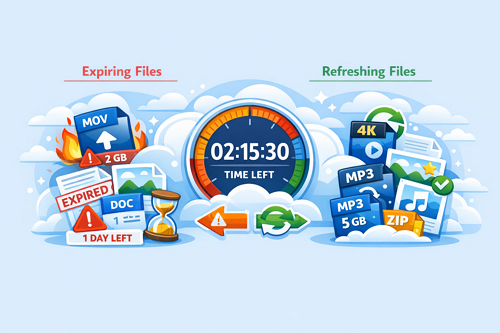
Keep2Share File Expiration Explained: How Long Your Uploads Stay Active
When uploading files to Keep2Share, it’s not just about storage space or speed — understanding how long your files remain available is equally important. File expiration rules determine whether your uploads stay accessible or get deleted over time. Knowing these limits helps you avoid losing important data unexpectedly.
Why File Expiration Is Important
If files expire, it can lead to:
- Broken download links
- Lost access to shared content
- Extra time spent re-uploading files
- Disrupted collaboration or workflows
Whether you use Keep2Share for personal storage or sharing large files, knowing the expiration rules helps you stay in control.
Keep2Share File Expiration Overview
| Account Type | Inactive Files | Active Files | Notes |
|---|---|---|---|
| Free User | Up to 15 days | Unlimited with activity | Requires regular logins |
| Premium User | Up to 60 days | Unlimited with activity | Better for long-term storage |
Key Points to Remember
- Free accounts require consistent activity to prevent file deletion
- Premium users get extended storage time for inactive files
- Files remain safe as long as they are downloaded or accessed regularly
Tips to Prevent File Expiration
- Stay active – Log in regularly to keep your account in use
- Encourage downloads – Shared files stay active when accessed
- Upgrade if needed – Premium is ideal for long-term storage
- Keep backups – Store important files in another location
Smart Storage Habits
Managing file expiration is simple when you build good habits. Regular activity, proper sharing, and backups can ensure your files remain accessible without interruption. For users handling large or important files, understanding these rules can save time and prevent unnecessary stress.
If you want a deeper understanding of storage limits and how they affect your uploads, check out how Keep2Share file size limits work to better manage your files.

