
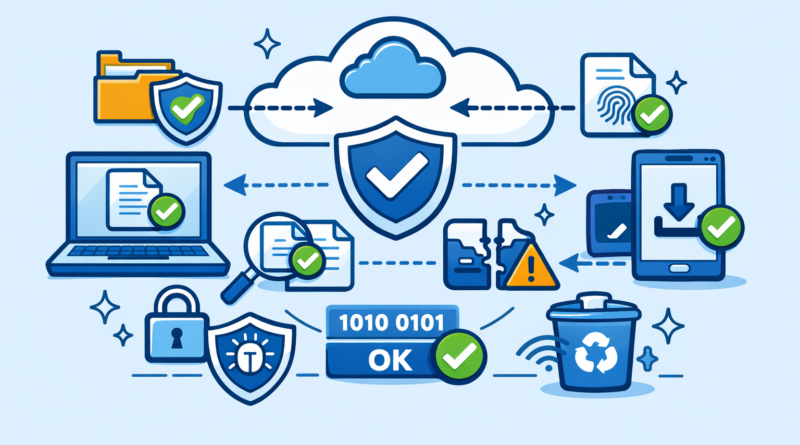
How to Prevent File Corruption When Sharing Large Files Online
Transferring large files online is convenient, but file corruption can quickly turn a successful upload into a frustrating experience. Whether you’re sharing videos, archives, documents, or software, maintaining file integrity is essential. Many users rely on platforms like Keep2Share to store and transfer files, making it even more important to ensure every upload and download completes correctly.
-> Go to k2s.cc and create Premium AccountWhat Causes File Corruption?
File corruption usually occurs when a transfer is interrupted or data becomes damaged during the process. Common causes include:
- Unstable internet connections
- Interrupted uploads or downloads
- Incomplete file transfers
- Faulty storage devices
- Malware or software errors
Even a brief interruption can result in missing data, making the file unusable.
Best Practices to Keep Files Intact
Following a few simple precautions can significantly reduce the risk of corruption:
- Use a stable and reliable internet connection
- Avoid canceling transfers before completion
- Verify files after uploading or downloading
- Keep antivirus software updated
- Store files on healthy and trusted storage devices
Useful Tools for File Verification
| Method | Purpose | Benefit |
|---|---|---|
| MD5/SHA Checksums | Verify file integrity | Detects damaged files |
| ZIP or RAR Archives | Package files securely | Reduces transfer issues |
| Download Managers | Improve transfer stability | Minimizes interruptions |
Checksums are especially useful for important files because they allow users to compare file data before and after transfer.
Tips for Large File Transfers
Large files are naturally more vulnerable to transfer problems. To improve reliability:
- Split oversized files into smaller parts
- Avoid running multiple heavy downloads simultaneously
- Maintain sufficient free storage space
- Use a wired connection whenever possible
Taking a few preventive steps can save hours of troubleshooting later. By combining reliable transfer methods, file verification tools, and stable connections, you can greatly reduce the risk of corruption and keep your files accessible from upload to download.
For additional performance tips, check out our guide on optimizing download speeds on file hosting services to make transfers even smoother and more reliable.
-> Go to k2s.cc and create Premium Account
