
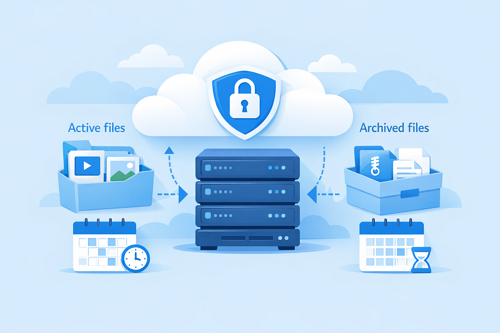
Understanding Keep2Share File Retention: How to Keep Your Files Available Longer
Uploading files to Keep2Share is a convenient way to store and share content, but it’s equally important to understand how file retention works. Knowing how long your files stay available can help you avoid broken links, missing uploads, and the hassle of uploading the same files again. By following a few simple practices, you can keep your important content accessible for longer.
-> Go to k2s.cc and create Premium Account
Why File Retention Is Important
File retention policies help cloud storage services manage available space while keeping active files online. If an uploaded file remains inactive for too long, it may eventually be removed depending on your account type and activity.
Common issues caused by inactive files include:
- Broken download links
- Lost backup copies
- Missing shared content
- Interrupted workflows
- Time spent re-uploading large files
Free vs. Premium File Retention
| Account Type | File Availability | Best For |
|---|---|---|
| Free Account | Shorter retention for inactive files | Occasional uploads |
| Premium Account | Longer storage for inactive files | Frequent file sharing and backups |
Premium users generally enjoy longer file availability, making it easier to manage important uploads over time.
Tips to Keep Your Files Active
- Log in regularly to show ongoing account activity.
- Share your download links so files receive consistent access.
- Organize uploads into folders for easier management.
- Review older files and remove outdated content.
- Keep backup copies on another cloud service or external drive.
Build Better Storage Habits
A little maintenance goes a long way. Regular account activity, organized folders, and reliable backups reduce the risk of losing valuable files. Whether you use Keep2Share for personal storage or professional projects, understanding file retention helps ensure your files remain available whenever you need them.
For more tips on using your smartphone or tablet efficiently, read our guide on getting the best Keep2Share mobile experience.
-> Go to k2s.cc and create Premium Account

