
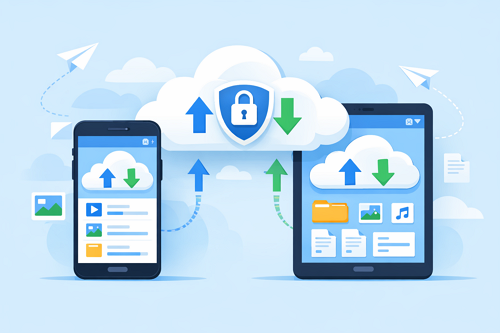
How to Get the Best Keep2Share Experience on Mobile Devices
Using Keep2Share on your smartphone or tablet makes it easy to upload, download, and manage files wherever you are. Whether you’re transferring work documents or downloading large media files, a few simple optimizations can improve speed, reduce interruptions, and make mobile file sharing more reliable.
-> Go to k2s.cc and create Premium Account
Why Mobile Performance Matters
Mobile devices have different limitations than desktop computers. Factors such as storage space, network quality, and background apps can affect file transfers.
Common challenges include:
- Slow downloads on unstable mobile networks
- Limited storage space
- Interrupted uploads or downloads
- Higher mobile data usage
- Browser performance issues with large files
Tips for Better Mobile File Sharing
Follow these best practices for a smoother experience:
- Use a stable Wi-Fi connection whenever possible for faster and more reliable transfers.
- Choose an updated browser such as Chrome or Firefox for better download compatibility.
- Keep enough free storage to prevent failed downloads and improve device performance.
- Close unnecessary apps to free up memory and reduce background activity.
- Resume interrupted downloads if you’re using a Premium account with resume support.
Mobile Connection Comparison
| Feature | Mobile Data | Wi-Fi |
|---|---|---|
| Download Stability | Moderate | High |
| Speed Consistency | Depends on signal | More reliable |
| Large File Uploads | Slower | Faster |
| Data Usage | Limited by plan | Usually unlimited |
Simple Habits That Make a Difference
Good mobile file management is about more than just having a fast internet connection. Regularly clearing unused files, updating your browser, and using Wi-Fi for large transfers can significantly improve your overall experience. These small habits help you save time, reduce failed downloads, and make Keep2Share more efficient on any mobile device.
If you’re also looking to reduce upload and download times, don’t miss our guide on the best ways to compress files before sharing, which explains how smaller file sizes can improve transfer speed.
-> Go to k2s.cc and create Premium Account

