
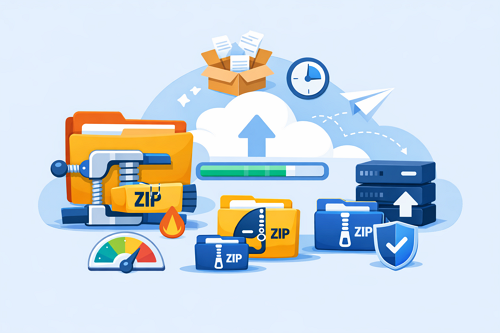
Best File Compression Tools to Speed Up File Sharing
Uploading large files can take time, especially when sharing videos, backups, or project folders through Keep2Share and other cloud storage platforms. Using the right file compression software helps reduce file sizes, making uploads and downloads faster while keeping your files organized. Whether you’re sharing personal documents or large media collections, compression is an easy way to improve your workflow.
-> Go to k2s.cc and create Premium Account
Why File Compression Is Worth Using
Compressing files offers several practical advantages:
- Reduce file sizes for faster uploads
- Save valuable cloud storage space
- Share multiple files in a single archive
- Improve file organization
- Lower bandwidth usage during transfers
For large folders, compression can also make downloads more reliable by reducing transfer interruptions.
Top Compression Tools Compared
| Tool | Best For | Popular Formats |
|---|---|---|
| 7-Zip | High compression ratio | 7Z, ZIP, TAR |
| WinRAR | Large archives and split files | RAR, ZIP |
| PeaZip | Open-source flexibility | 200+ archive formats |
| WinZip | Easy-to-use interface | ZIP, ZIPX |
Each tool has its strengths. 7-Zip is ideal for maximum compression, WinRAR is excellent for creating multi-part archives, PeaZip supports a wide range of formats, and WinZip offers a beginner-friendly experience.
Tips for Faster File Transfers
Before uploading your files:
- Compress folders instead of individual files
- Split very large archives into smaller parts
- Remove duplicate or unnecessary content
- Add password protection for sensitive data
- Choose a reliable file hosting service
Selecting the right compression tool can significantly improve upload speed, simplify file management, and make sharing large files much more efficient.
For more ways to keep your shared content accessible, read our guide on keeping your download links active and available. It includes practical tips to help prevent broken links and ensure your files remain easy to access.
-> Go to k2s.cc and create Premium Account

