
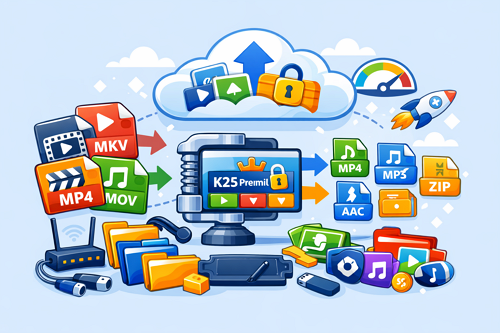
Best File Formats for Sharing Large Media Files Efficiently
When using platforms like Keep2Share, choosing the right file format is essential for faster uploads, smoother downloads, and better overall performance. The format you select directly affects file size, quality, and compatibility across devices.
-> Go to k2s.cc and create Premium Account
Large media files, especially videos and audio, can become difficult to manage if not properly optimized. That’s why understanding which formats work best is important for efficient file sharing.
Most Common File Formats for Media Sharing
Different formats serve different purposes depending on your needs:
- MP4 – Best for videos with strong compression and high quality
- MKV – Ideal for high-quality videos with multiple audio tracks
- MP3 – Standard audio format with small file size
- WAV – High-quality audio but significantly larger files
- ZIP – Compresses multiple files into a single archive
- RAR – Offers better compression than ZIP in many cases
File Format Comparison
| Format | Best Use | File Size | Compatibility |
|---|---|---|---|
| MP4 | Video sharing | Medium | Very high |
| MKV | High-quality video | Large | Medium |
| MP3 | Audio sharing | Small | Very high |
| WAV | Studio audio | Very large | High |
| ZIP | General compression | Reduced | Very high |
| RAR | Advanced compression | More reduced | High |
MP4 and MP3 remain the most commonly used formats due to their balance of quality and file size.
Tips for Better File Sharing
- Use MP4 for most video uploads
- Compress files using ZIP or RAR before uploading
- Avoid uncompressed formats unless necessary
- Split very large files into smaller parts when needed
Choosing the right format helps reduce bandwidth usage and improves upload and download efficiency across Keep2Share and similar platforms.
Efficient file formatting is a simple step that significantly improves sharing performance and storage management.
If you want to optimize further, check our guide on how to improve download speed on file hosting platforms like Keep2Share for better overall performance.
-> Go to k2s.cc and create Premium Account

