
Cloud Storage vs File Hosting: Understanding the Difference
Saving and sharing files online can be confusing due to similar-sounding terms. Cloud storage and file hosting serve distinct purposes, and knowing their differences helps you select the right solution for your needs.
-> Go to k2s.cc and create Premium Account
What is Cloud Storage?
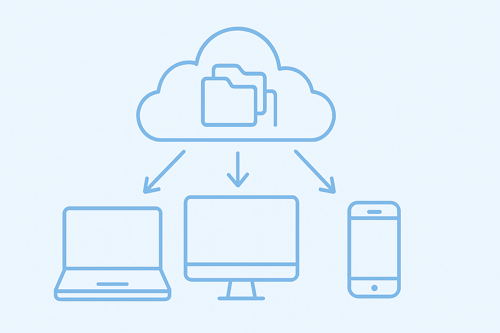
Cloud storage provides secure, ongoing access to your files across devices. Key features include:
• Store documents, photos, and videos securely
• Sync files automatically across multiple devices
• Collaborate in real time with teams
• Access files anywhere with login credentials
Cloud storage is ideal for long-term file management and team collaboration rather than quick one-off sharing.
What is File Hosting?
File hosting platforms focus on sharing files efficiently with others. Features include:
• Direct download links for fast distribution
• Temporary or extended storage depending on account type
• Premium options for faster downloads and larger files
• Easy sharing without clogging email inboxes
Services like Keep2Share or MediaFire excel at transferring large files quickly without the need for continuous syncing.
Key Differences at a Glance
| Feature | Cloud Storage | File Hosting |
|---|---|---|
| Primary Purpose | Long-term storage & collaboration | Quick sharing & downloads |
| Access | Sync across devices | Download links for recipients |
| Best For | Personal data, team projects | Sharing media, software, large files |
| Examples | Google Drive, Dropbox, OneDrive | Keep2Share, MediaFire, Zippyshare |
Choosing the Right Option
Use cloud storage if you need ongoing management and collaboration. Use file hosting like Keep2Share for quick sharing of large files. Many users combine both: cloud storage for organization and file hosting for distribution.
For related strategies on handling large files efficiently, you can also explore our guide on how to send large files without email restrictions to optimize file transfer workflows.

