
Essential Data Privacy Tips for Uploading Files Online
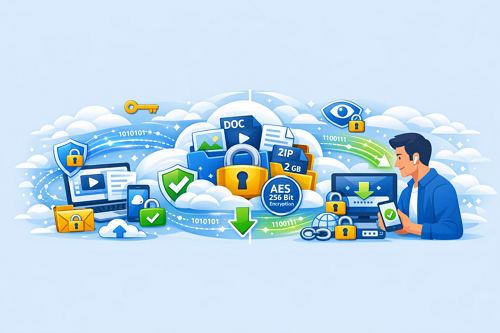
Uploading files online, whether personal photos or business documents, always leaves a digital footprint. Platforms like Keep2Share make it easy to store and share files, but without proper precautions, your data can be exposed. Protecting your privacy while uploading is essential for peace of mind and security.
-> Go to k2s.cc and create Premium Account
Why Data Privacy Matters
Hackers, data brokers, and poorly configured cloud services can put your files at risk. Common mistakes, such as sharing links publicly or uploading without encryption, increase vulnerability. Adopting privacy best practices ensures your data stays secure and confidential.
Key Tips for Secure File Uploads
- Use strong, unique passwords – Never reuse credentials across multiple platforms
- Enable two-factor authentication (2FA) – Adds an extra layer of protection
- Encrypt files before uploading – Tools like VeraCrypt or 7-Zip with a password help control access
- Check sharing permissions – Share links only with trusted recipients
- Avoid public Wi-Fi – Use secure, private networks for sensitive uploads
- Keep software updated – Protect against vulnerabilities in outdated browsers or apps
Comparison: Privacy Risks vs. Upload Methods
| Upload Method | Privacy Risk Level | Recommended Use |
|---|---|---|
| Public link without password | High | Only for non-sensitive files |
| Encrypted file via cloud storage | Low | Personal or business files |
| Premium file hosting (e.g., Keep2Share Premium) | Very Low | Frequent or high-value uploads |
Balancing Convenience and Security
Convenience often leads to skipped precautions. Simple steps like encrypting files, setting link expiration, or using Keep2Share Premium can significantly improve security while maintaining ease of use.
Protecting your privacy when uploading files doesn’t need to be complicated. By combining secure habits with reliable platforms, you can safely share and store your data. For more insights on safe online file handling, explore our guide on how to securely share files and protect your information.
-> Go to k2s.cc and create Premium Account

