
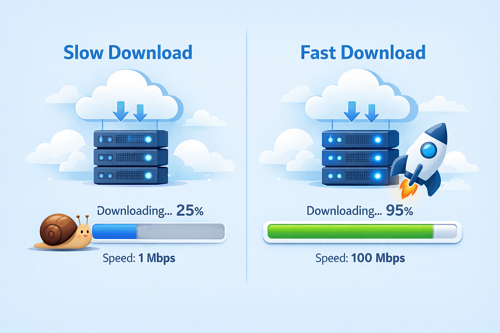
How to Fix Slow Download Speeds on File Hosting Sites
Slow download speeds can turn a simple task into a frustrating experience, especially when working with large files. Whether you’re downloading videos, archives, or documents, understanding the causes of slow speeds helps you fix the issue quickly and efficiently.
Common Reasons for Slow Downloads
Download speed depends on several factors beyond your internet connection:
| Cause | Impact on Speed | Quick Solution |
|---|---|---|
| High server load | Slower, unstable speeds | Download during off-peak hours |
| Free account limits | Restricted bandwidth | Upgrade to premium |
| Weak Wi-Fi signal | Interrupted downloads | Use wired connection |
| VPN or proxy | Added latency | Switch or optimize server |
| Device overload | Slower processing | Close unused apps |
Practical Ways to Improve Download Speed
- Choose reliable file hosts – Platforms like Keep2Share offer stable connections and better bandwidth
- Check your internet connection – Restart your router and limit background usage
- Use a download manager – Enables faster and more stable downloads
- Avoid peak hours – Early mornings or late nights usually provide better speeds
- Upgrade when needed – Premium plans unlock faster speeds and priority servers
Why Your File Host Matters
Not all file hosting platforms deliver the same performance. Services built for speed and reliability use advanced infrastructure such as global servers and optimized routing. Choosing a trusted platform ensures smoother downloads and fewer interruptions.
Extra Tips for Consistent Performance
- Keep your browser and system updated
- Limit multiple downloads at once
- Test different browsers or devices
- Clear cache regularly for better performance
Improving download speed is a combination of the right tools, smart timing, and choosing a reliable platform. With these strategies, you can significantly reduce waiting time and enjoy a smoother experience.
If you’re working with teams and sharing files regularly, learn more about how to use Keep2Share for better team file sharing and collaboration to improve workflow efficiency.

