
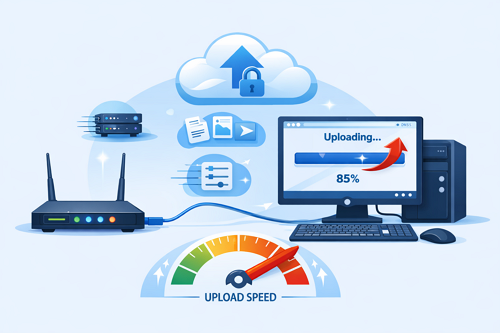
Best Internet Settings to Improve File Upload Speed
Uploading large files should be smooth, but slow connections and unstable networks can make the process frustrating. Whether you’re backing up important documents or sharing media through Keep2Share, optimizing your internet settings can significantly improve upload speed and reduce the chance of failed transfers.
-> Go to k2s.cc and create Premium AccountWhy Upload Performance Matters
A stable upload connection is just as important as a fast download speed. Poor network performance can lead to interrupted uploads, longer waiting times, and repeated transfer attempts.
Common causes of slow uploads include:
- Weak Wi-Fi signals
- Too many connected devices
- Background applications using bandwidth
- Outdated router firmware
- Internet provider upload limits
Recommended Internet Settings
Making a few adjustments can noticeably improve upload performance.
| Setting | Benefit | Recommended For |
|---|---|---|
| Wired Ethernet | Stable and consistent connection | Large file uploads |
| 5 GHz Wi-Fi | Faster wireless performance | Nearby devices |
| Quality of Service (QoS) | Prioritizes upload traffic | Shared home networks |
| Updated Router Firmware | Better reliability and security | Everyday use |
Tips for Faster Uploads
- Connect with an Ethernet cable whenever possible.
- Pause cloud backups, streaming, or large downloads while uploading.
- Enable QoS in your router settings to prioritize upload traffic.
- Restart your router regularly to refresh the connection.
- Keep your router firmware and network drivers updated.
Build a More Reliable Upload Experience
Good upload performance comes from combining a reliable internet connection with smart network management. Small improvements to your router, bandwidth usage, and connection type can make large file transfers faster and more dependable, especially when uploading frequently.
If you’ve experienced interrupted transfers before, don’t miss our guide on avoiding upload failures when sending large files, where you’ll find practical tips to complete uploads successfully.
-> Go to k2s.cc and create Premium Account
