
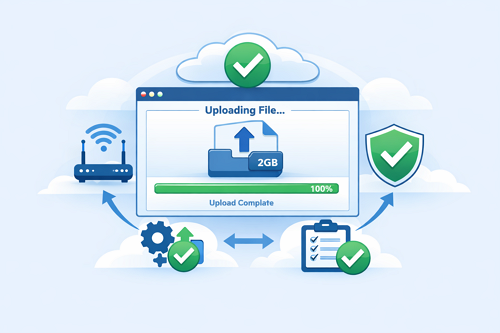
How to Prevent Large File Upload Failures on Keep2Share
Uploading large files should be simple, but long transfers can sometimes fail before they finish. Whether you’re backing up important documents, sharing videos, or uploading project archives, Keep2Share users may occasionally experience interrupted uploads. Fortunately, most issues have straightforward solutions that improve reliability and reduce wasted time.
-> Go to k2s.cc and create Premium AccountWhy Large File Uploads Fail
Several factors can interrupt an upload before it is completed:
- Unstable internet connections
- Browser timeouts during lengthy uploads
- Upload limits on free accounts
- Firewall or antivirus interference
- Corrupted files
- Limited device memory or storage
Even a brief loss of connection can cause large uploads to stop unexpectedly.
Best Ways to Prevent Upload Errors
Follow these practical tips for more reliable uploads:
- Use a stable internet connection – A wired Ethernet connection is generally more reliable than public or congested Wi-Fi.
- Compress your files – ZIP or RAR archives reduce file size and can make uploads more stable.
- Split very large files – Dividing huge archives into smaller parts lowers the risk of upload failures.
- Keep your browser updated – New browser versions handle memory usage and large transfers more efficiently.
- Close unnecessary applications – Freeing up system resources helps maintain consistent upload performance.
Quick Troubleshooting Guide
| Problem | Possible Cause | Recommended Solution |
|---|---|---|
| Upload stops before completion | Unstable internet | Switch to a wired connection |
| Browser becomes unresponsive | High memory usage | Restart the browser and close unused tabs |
| Upload is rejected | File exceeds upload limit | Compress or split the file |
| Very slow upload speed | Network congestion | Upload during quieter hours |
Final Thoughts
Reliable uploads depend on good habits as much as good technology. Keeping your software updated, maintaining a stable connection, and preparing large files before uploading can significantly reduce interruptions and save valuable time. A little preparation goes a long way toward making every file transfer smoother and more dependable.
If you’d like to strengthen your account security while uploading and sharing files, be sure to read our guide on keeping your Keep2Share account secure.
-> Go to k2s.cc and create Premium Account
